

An AI powered security camera does more than record video. It analyzes what it sees, so it can tell a person from a swaying branch. Traditional CCTV only records, and someone must review the footage later. This guide explains how these cameras work and how to choose and set one up safely. New to smart devices? Our cybersecurity checklist for beginners is a good starting point.
Table of Contents
- What Is an AI Powered Security Camera?
- Why Standard CCTV Often Falls Short
- Key Benefits for Homes and Businesses
- Key Features of an AI Powered Security Camera
- Home vs. Business: Which Setup Fits You?
- How to Choose an AI Powered Security Camera
- Setup Tips for Reliable Performance
- Privacy and Legal Checks Before You Install
- Common Questions About AI Security Cameras
- Next Steps for Choosing Your Camera
What Is an AI Powered Security Camera?
An AI powered security camera uses built-in software to analyze video as it happens. Instead of alerting you to every movement, it identifies what caused the movement. Three core capabilities make this possible. Object detection tells the camera whether it sees a person, a vehicle, an animal, or a shadow. Face recognition matches saved faces, such as family members or staff. Motion analysis tracks direction and speed, so it can spot someone repeatedly walking along a fence line.
Why Standard CCTV Often Falls Short
Standard CCTV causes three common problems. First, motion alerts trigger for swaying leaves, headlight glare, or a neighbor’s cat. Second, reviewing hours of footage takes time, and important moments are easy to miss. Third, image quality drops in low light, which makes identification harder. Recordings help investigators, but they rarely prevent problems in the first place.
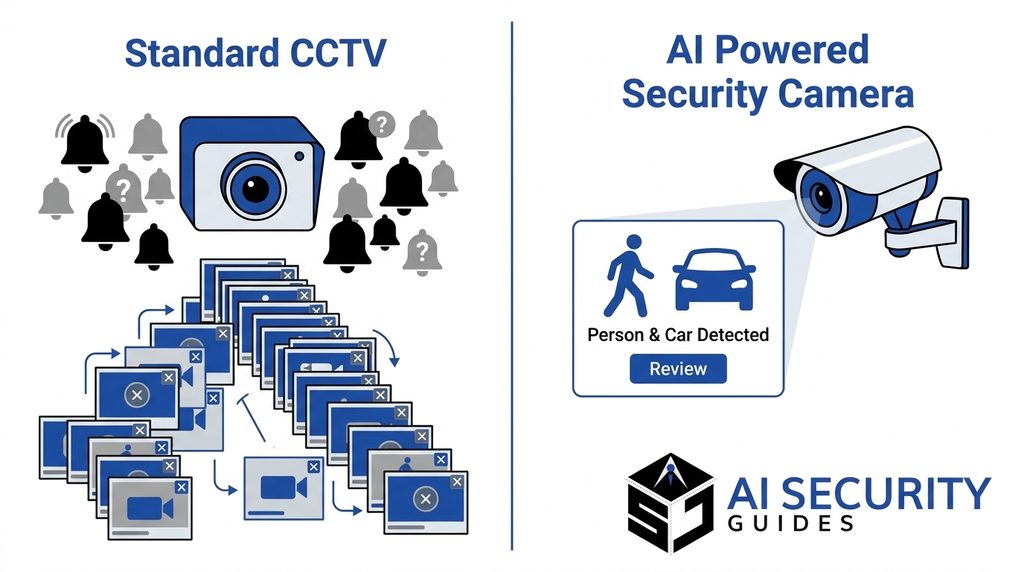
The table below shows the key differences.
| Aspect | Standard CCTV | AI Powered Security Camera |
|---|---|---|
| Alerts | Any movement | People, vehicles, and real threats |
| Recognition | None | People, vehicles, and saved faces |
| False alarms | Frequent | Usually fewer |
| Footage review | Manual | Automatic clip flagging |
Key Benefits for Homes and Businesses
The biggest advantage is fewer false alarms. Because the camera ignores wind, changing light, and small animals, the alerts you receive are more likely to matter. Real-time notifications add to this value, often with a live video feed on your phone.
The system also flags suspicious behavior, such as someone lingering at a gate or trying to climb a wall. Furthermore, it keeps watching at night and during holidays without fatigue. You can review only the clips that contain people or vehicles, which saves considerable time.
Key Features of an AI Powered Security Camera
Start with face and license plate recognition, which helps identify household members and regular vehicles. Smart motion zones are equally useful. You can draw boundaries around a gate or driveway so passing cars do not trigger alerts.
Two-way audio lets you speak to a delivery person or warn an intruder. Night vision and color imaging make identification easier after dark. Finally, choose storage carefully. Cloud storage keeps footage off-site. A local SD card or network video recorder (NVR) keeps recording during an internet outage. An NVR is a box that stores footage from several cameras.
Home vs. Business: Which Setup Fits You?
Homes usually need coverage for front and back doors, driveways, and gates. Many homeowners prefer wireless models because they install without running many cables. Businesses have different goals. Shops can detect shoplifting, offices can monitor restricted areas, and warehouses can log vehicle entries and exits.
When a threat is detected, many systems can trigger other devices. For example, a camera might sound an alarm, turn on lights, or alert security staff. Test each automation rule before relying on it.
Large Sites and Security Robots
Large factories and warehouses also use AI powered security robots. These machines patrol set routes, use sensors to spot unusual activity, and report to a control room. For most homes, however, they are usually too costly to justify.
How to Choose an AI Powered Security Camera
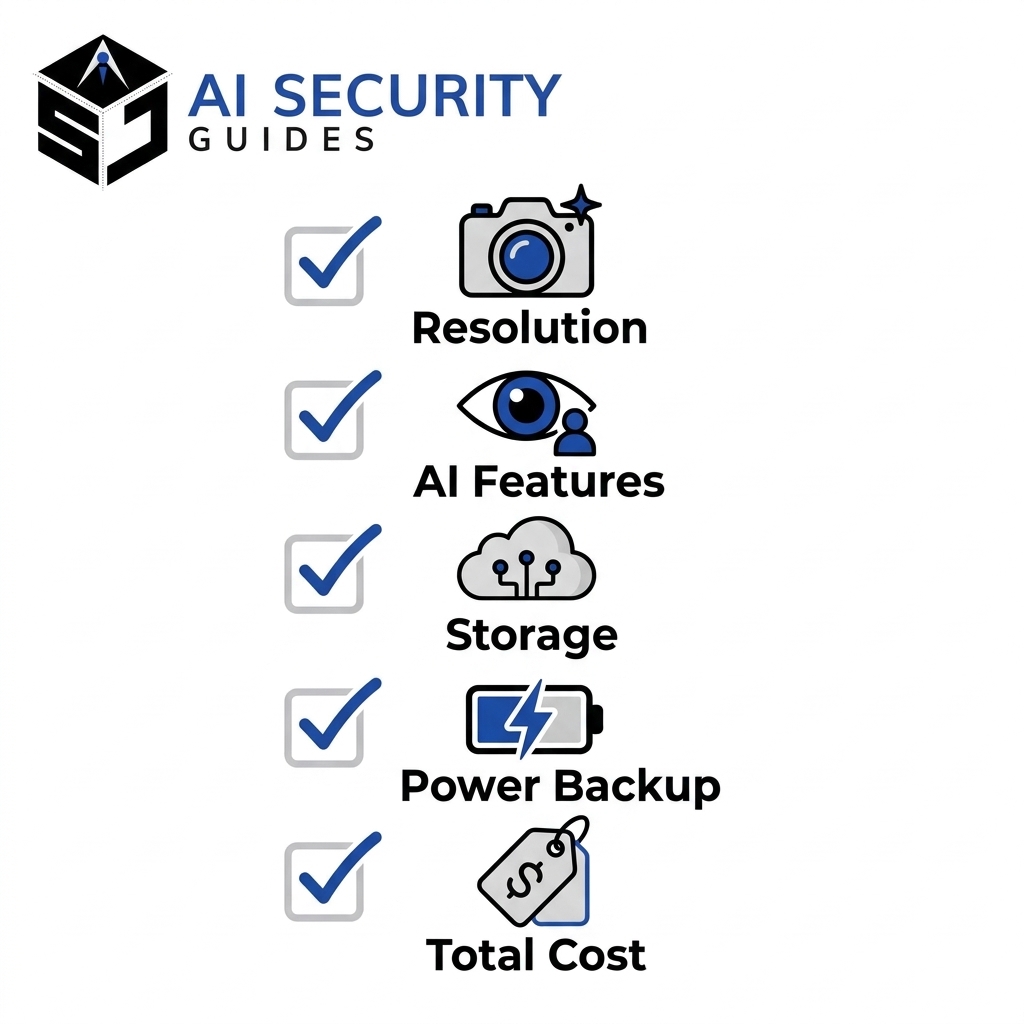
Work through these five steps before you buy:
- Check resolution and coverage. Aim for at least 2 megapixels, and make sure the frame covers the whole gate.
- Confirm the AI features. Look for person and vehicle detection, not just motion alerts.
- Review storage and privacy. Ask where the system keeps footage, how long it stores it, and whether it encrypts it.
- Plan for power and Wi-Fi. Test your signal at the mounting spot, and consider a battery backup for power cuts.
- Compare total cost. Include subscription fees and warranty coverage, not only the purchase price.
Entry-level models offer basic person detection and a mobile app. Mid-range models add face recognition and cloud storage, while premium systems support several cameras and advanced analytics.
Brands such as Hikvision, Dahua, Ring, Arlo, and Eufy are worth researching. However, the FCC has restricted new approvals for some Hikvision and Dahua video surveillance products, so check current federal rules before buying. Security Industry Association summary of FCC rules
Setup Tips for Reliable Performance
Placement and Wi-Fi
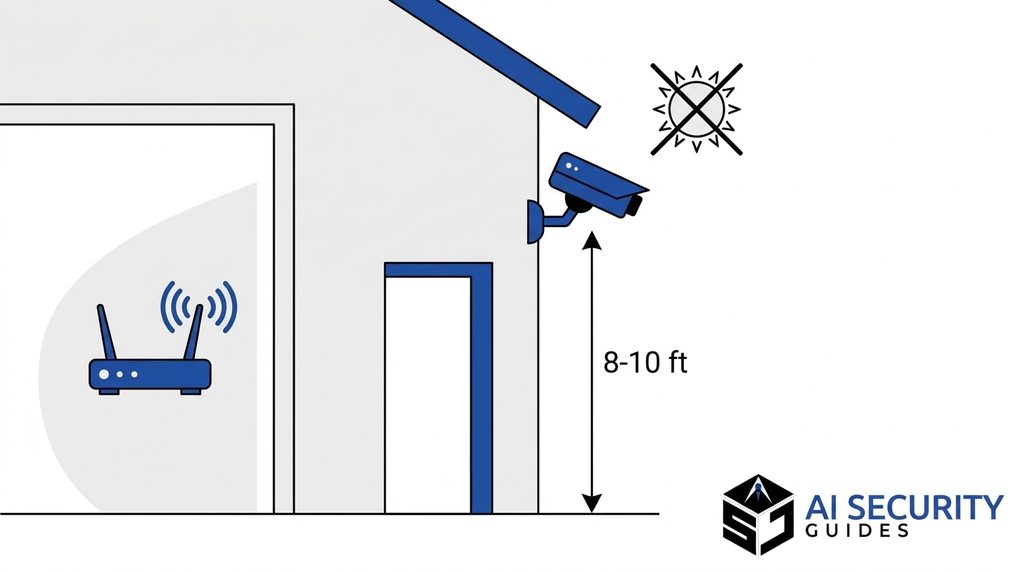
Mount the camera about 8 to 10 feet (2.5 to 3 meters) high, with a clear view of the entrance. Avoid aiming it at a street lamp or the sun, since strong light washes out the image. Place it near your router or add a mesh extender. For a stronger network, read our guide to securing your home Wi-Fi router.
Common Mistakes to Avoid
- Leaving the default password unchanged gives attackers an easy way in.
- Ignoring firmware updates leaves known security weaknesses open.
- Mounting the camera in direct rain or sun without weather protection shortens its life.
- Skipping motion zone setup floods your phone with unnecessary alerts.
Privacy and Legal Checks Before You Install
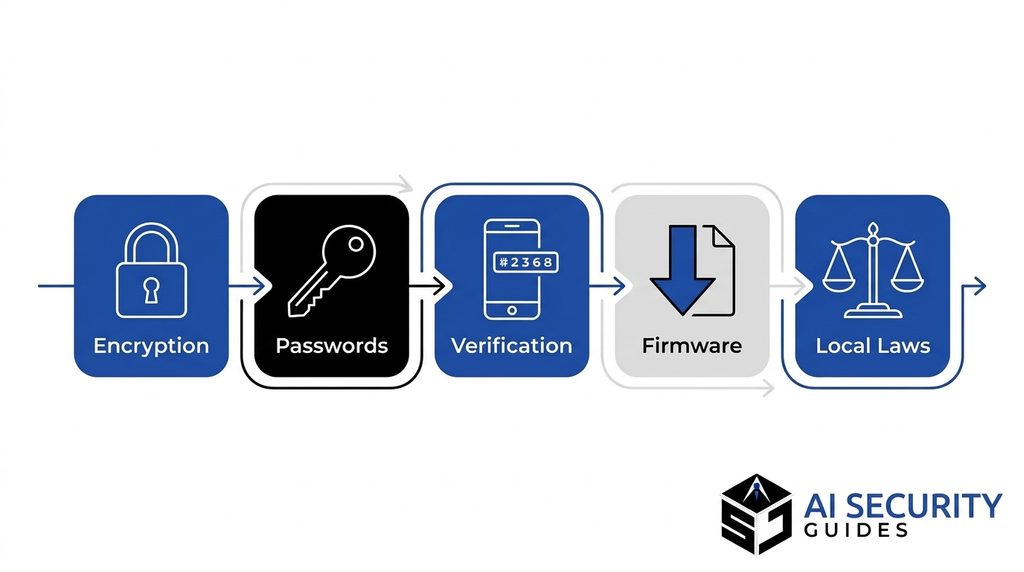
An AI powered security camera collects personal data, so protect it carefully. Encrypt your footage, especially in the cloud, and use a unique password for each account. Turn on two-factor authentication wherever the app offers it. The Cybersecurity and Infrastructure Security Agency’s Secure Our World program offers free, plain-language guidance on these habits.
Camera accounts can also be targets for phishing, so learn the warning signs of AI scams before you click a link. Our AI security for beginners guide explains safer habits when using AI tools.
Local laws matter too. Pointing a camera at a public sidewalk or a neighbor’s property can create legal problems. State and city governments regulate audio recording and face recognition differently, so check your local rules before turning those features on.
Common Questions About AI Security Cameras
How Much Does an AI Powered Security Camera Cost?
Prices depend on the model, features, and brand. Basic wireless cameras cost less, while multi-camera systems with an NVR cost considerably more. Check current prices and subscription fees on the manufacturer’s website, since they change often.
Does an AI Powered Security Camera Work Without Internet?
Some models detect people on the device or record locally during an outage. However, mobile alerts and remote viewing require an internet connection. Check the product specifications to confirm which features work offline.
AI Camera vs. Motion Sensor Camera: What’s the Difference?
A motion sensor camera reacts to any movement. An AI camera goes further by identifying whether a person, vehicle, or animal caused it. That extra step helps you decide quickly whether a situation needs attention.
Can AI Security Camera Footage Be Used as Evidence?
It can be, but the answer depends on local law and how the footage was collected. Keep original files, note dates and times, and avoid editing clips. For legal advice, consult a qualified attorney.
Next Steps for Choosing Your Camera
An AI powered security camera offers protection that goes beyond recording. It understands what it sees, reduces false alarms, and alerts you when needed. Start by listing your main risks, such as a front door, a gate, or a shop entrance. Then match those risks to the features, budget, and storage you need.
A small home on a budget often does well with a basic wireless model. A shop or office usually benefits from face recognition and cloud storage. A large site may need several cameras, a central NVR, and automated responses.