

Wondering how to create ChatGPT account on your laptop or phone? The process takes about five minutes, and a few smart choices at sign-up protect your conversations for years.
This guide covers both devices, explains whether you need an account at all, and walks through login options. You will also learn how to lock down your new profile. Small steps matter here. Stolen passwords are a common way attackers reach chatbot accounts, so good habits from day one make a real difference.
Table of Contents
- Before You Start
- How to Create ChatGPT Account on a Laptop
- How to Create ChatGPT Account on a Mobile Phone
- Can You Use ChatGPT Without an Account?
- ChatGPT Login Methods Compared
- Secure Your New ChatGPT Account
- Checklist: Create ChatGPT Account Safely
- Common Questions About Creating a ChatGPT Account
- Final Thoughts
Before You Start
Before you learn how to create ChatGPT account, gather a few basics. You need a valid email address you control, a phone number if the sign-up asks for one, and a device you trust. Connect over a private home network rather than public Wi-Fi, because open networks make it easier for attackers to watch traffic. If your email already feels exposed, read Email Account Hacked? 9 Steps to Recover and Secure It first.
Next, confirm you are using the official site, chatgpt.com. Lookalike pages copy the design of real sign-up screens to collect passwords. Type the address yourself instead of clicking links in emails or ads.
How to Create ChatGPT Account on a Laptop
A laptop is usually the easiest place to start, because typing a long password is simpler on a full keyboard. The steps below show how to create ChatGPT account in any modern browser, such as Chrome, Edge, or Safari.
Create ChatGPT Account With Email
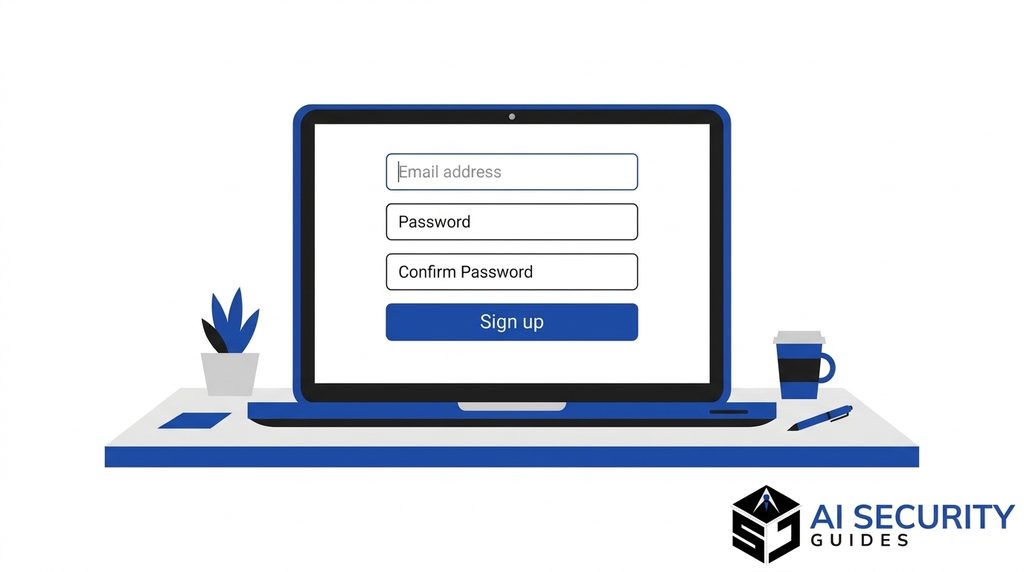
Open your browser and go to chatgpt.com. Select Sign up, then enter your email address. Next, create a password with at least 12 characters, mixing letters, numbers, and symbols. Avoid any password you already use on another site, because reused passwords let one breach open several accounts.
After you submit the form, open your inbox and look for a verification email. Click the link only if the message came from OpenAI and you requested it. Attackers often send fake verification emails, so check the sender address first.
Sign In With Google or Apple
If you prefer not to create another password, choose Continue with Google or Continue with Apple. This option saves time, but your ChatGPT security now depends on that provider account. Turn on two-factor authentication there first. Then confirm the sign-in screen names the correct provider before you approve it.
How to Create ChatGPT Account on a Mobile Phone
Phone setup works well when you want quick access while traveling or commuting. The screens look different, but the logic stays the same. You can follow the same password rules and security checks you used on your laptop.
Create ChatGPT Account in the App
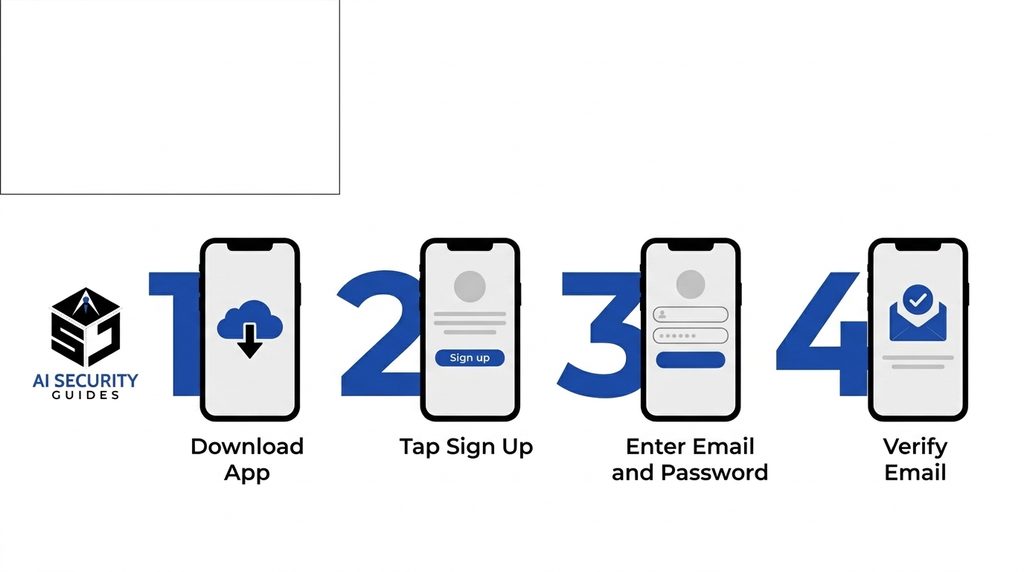
Install the official ChatGPT app from the Apple App Store or Google Play, and check that OpenAI is listed as the publisher. Open the app and tap Sign up. Enter your details, set a strong password, and verify your email, just as you would on a laptop. Read each prompt carefully, because small screens make it easy to tap the wrong button.
Can You Use ChatGPT Without an Account?
Sometimes, yes. OpenAI has offered limited access without signing in, but availability depends on your region and can change without notice. Without an account, you usually cannot save chat history, sync conversations across devices, or unlock higher usage limits. Before you start, ask yourself whether you need saved history at all. If a quick question is all you need, the guest option may be enough. Check the OpenAI Help Center for current details before you rely on it.
ChatGPT Login Methods Compared
Each sign-in method trades speed for control. Compare the options below and choose the one you can protect best.
| Login method | Setup speed | Main benefit | Main risk |
|---|---|---|---|
| Email and password | Moderate | Works on any device | Weak or reused passwords |
| Fast | No separate password to manage | A compromised Google account exposes ChatGPT too | |
| Apple | Fast | Works well on Apple devices | Depends on your Apple ID security |
For most beginners, email with a unique password and two-factor authentication offers the clearest control.
Secure Your New ChatGPT Account
Once you know how to create ChatGPT account, protect it right away. Two steps stop most account takeovers, and both take only a few minutes.
Turn On Two-Factor Authentication
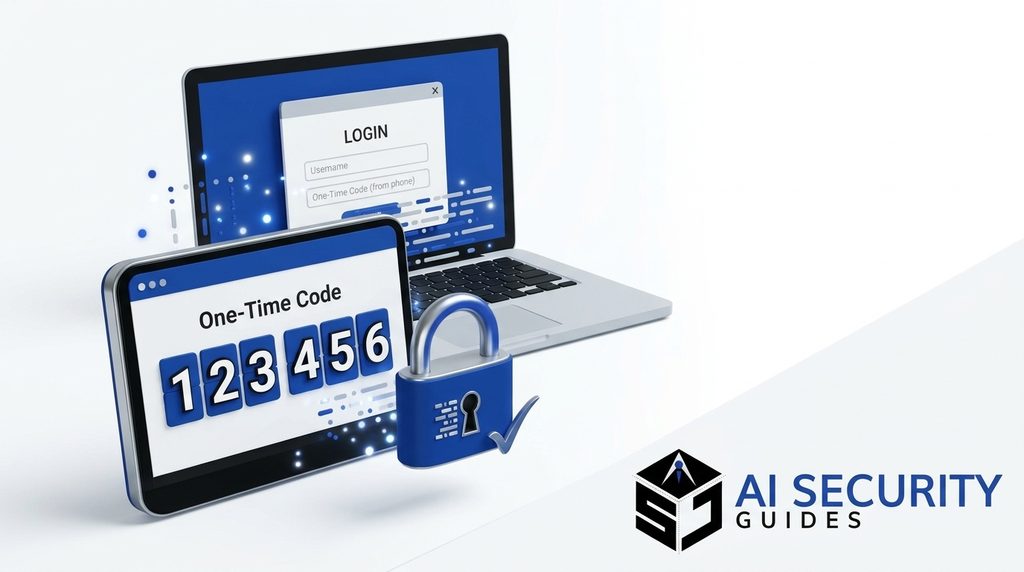
Open your profile settings, find the security section, and enable two-factor authentication. An authenticator app is the stronger choice, because app codes are harder to intercept than text messages. Save your backup codes in a password manager. The Cybersecurity and Infrastructure Security Agency (CISA) also recommends multifactor authentication for online accounts. For a deeper explanation, read Authenticator Apps Explained: Codes, Backups, Recovery.
Protect Your Password From Malware
Stolen login details often come from infected devices, not from simple guesses. In a 2023 report, Group-IB counted more than 100,000 infected devices holding compromised ChatGPT credentials. Keep your operating system and browser updated, avoid unknown downloads, and store passwords in a reputable password manager.
Checklist: Create ChatGPT Account Safely
Use this checklist after you learn how to create ChatGPT account, and review it every few months.
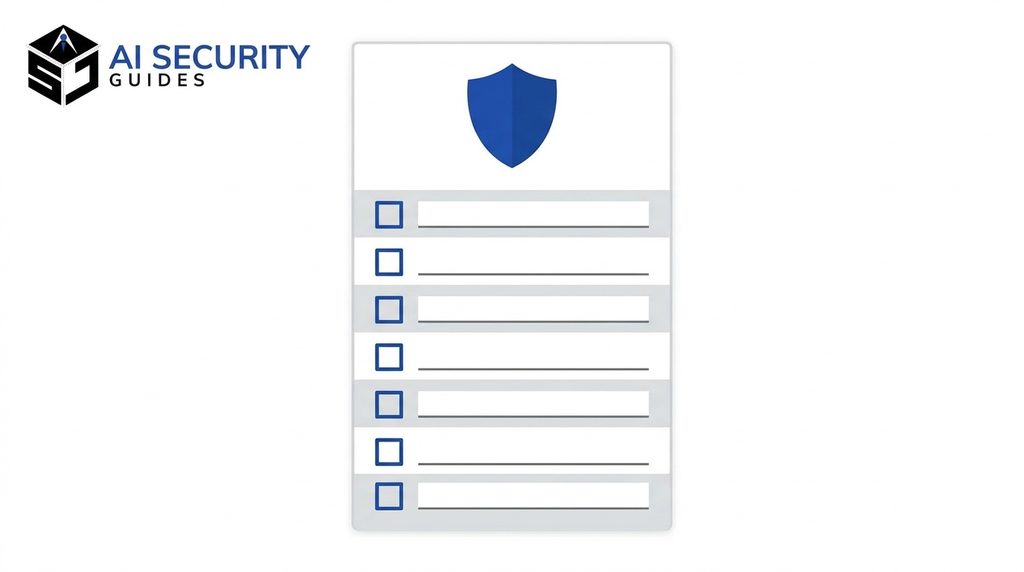
- Type chatgpt.com or open the official app yourself.
- Use a unique password with at least 12 characters.
- Turn on two-factor authentication before your first chat.
- Check the sender of every verification email.
- Keep passwords, ID numbers, and banking details out of chats.
- Log out on shared or public devices.
- Review active sessions and remove any you do not recognize.
Sharing sensitive details in chat is a common mistake. The guide 10 Things You Should Never Share With an AI Chatbot explains which information to keep private. For a wider set of everyday checks, see the AI Safety Checklist: 12 Practical Checks for Everyday Users.
Common Questions About Creating a ChatGPT Account
These questions come up often when people learn how to create ChatGPT account for the first time.
Is It Free to Create a ChatGPT Account?
Creating a basic account is generally free, but paid plans add features and higher usage limits. Check OpenAI’s current pricing page before you subscribe, since plans and prices change.
Do I Need a Phone Number to Create a ChatGPT Account?
Requirements can change, and some sign-ups request a phone number for verification. If you prefer not to share one, try a different sign-in method or use an email address you control.
What If I Forget My ChatGPT Password?
Select Forgot password on the login page and reset it through your verified email. After you regain access, review active sessions, change your password, and confirm two-factor authentication is still on.
Final Thoughts
Knowing how to create ChatGPT account safely takes less than ten minutes, and the payoff lasts. Use a unique password, turn on two-factor authentication, and always verify that you are on the official site. Protecting your account early makes it much harder for someone else to reach your chat history.