
ChatGPT security best practices are no longer optional for anyone who uses AI tools at work or at home. Your chats often contain personal details, business plans, and login information, so a compromised account can expose more than you expect.
This guide explains the main risks, the steps that matter most, and what to do if something goes wrong. Everything here applies to individuals first, then to small teams. The advice is practical and does not require technical experience.
Table of Contents
- Why ChatGPT Security Matters Now
- Is ChatGPT Security Enough for Everyday Use?
- How Attackers Get Into ChatGPT Accounts
- ChatGPT Security Best Practices for Personal Accounts
- ChatGPT Security for Teams and Businesses
- Watch Out for Prompt Injection
- What to Do If Your Account Is Compromised
- Frequently Asked Questions About ChatGPT Security
- Final Thoughts
Why ChatGPT Security Matters Now
Security researchers have tracked large volumes of stolen ChatGPT logins. In a 2023 report, Group-IB counted 101,134 devices infected with information-stealing malware that contained ChatGPT credentials. Those logins were traded on dark web marketplaces, which shows that attackers value chatbot accounts.
Information-stealing malware, often called an info stealer, copies saved passwords, cookies, and session data from a device. Once attackers hold those details, they can sign in without guessing your password. Understanding these threats is the first step toward strong ChatGPT security best practices.
Is ChatGPT Security Enough for Everyday Use?
ChatGPT is generally safe when you protect your account and think carefully about what you share. The main risks come from account takeover, careless sharing, and scams that imitate the official login page. The tool itself rarely causes the problem. Your habits and settings usually decide the outcome.
Think of each chat as a private notebook that someone else could read if your account falls into the wrong hands. That view helps you decide what to share. Follow these ChatGPT security best practices to keep the risk low, and review your data controls in settings, including whether your conversations may be used for model training.
How Attackers Get Into ChatGPT Accounts
Attackers usually rely on one of three methods. First, they run phishing campaigns that send fake login pages or urgent emails. Second, they use info stealers to collect saved passwords from infected computers. Third, they reuse leaked passwords from older breaches in a technique called credential stuffing.
Knowing these methods makes ChatGPT security best practices easier to apply. Each method has a simple defense: check URLs before you sign in, keep your devices clean, and never reuse a password.
ChatGPT Security Best Practices for Personal Accounts
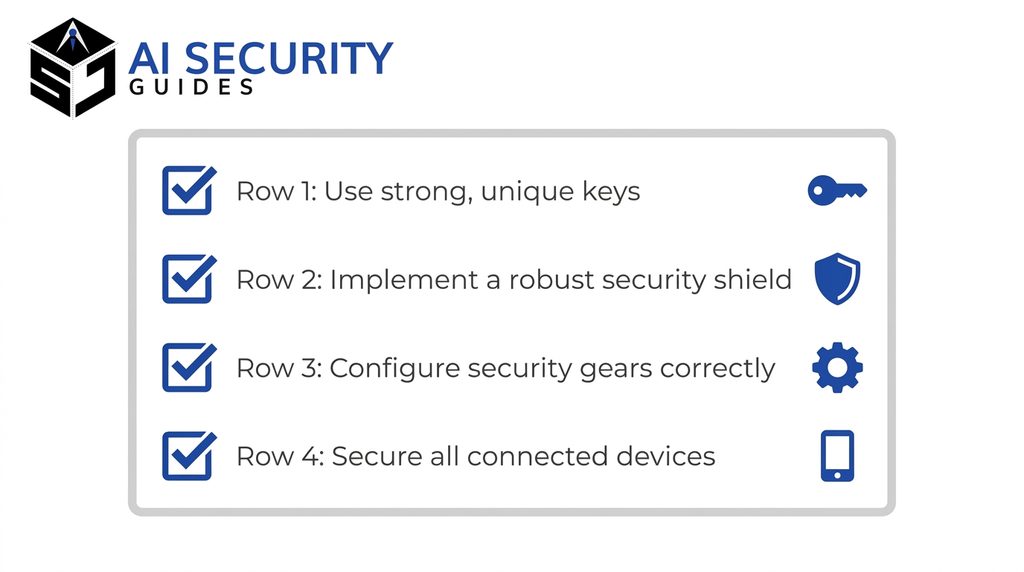
Start with a few habits that block most attacks. Each one takes only minutes, and together they make your account much harder to breach.
Use a Strong, Unique Password
Create a password with at least 12 characters, mixing letters, numbers, and symbols. Never reuse it on another site. Store it in a reputable password manager, so you do not need to memorize every credential.
Turn On Two-Factor Authentication
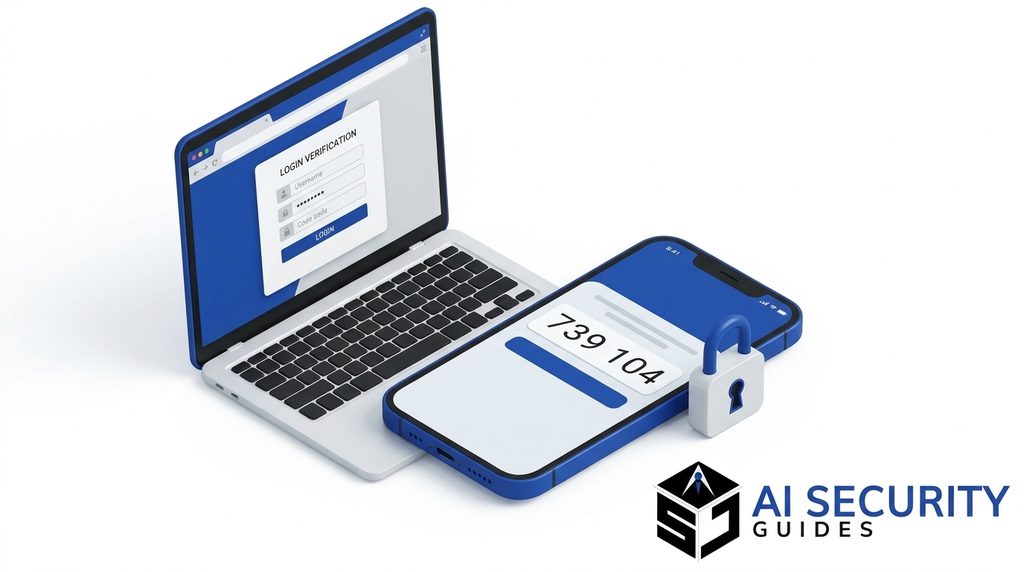
Enable two-factor authentication (2FA) in your account security settings. An authenticator app works better than text messages, because app codes are harder to intercept. Save your backup codes somewhere safe. For setup tips, read Authenticator Apps Explained.
ChatGPT Security Settings to Check
Open the settings menu and review your data controls. Decide whether you want your chats used to improve models, and delete old conversations you no longer need. The OpenAI Help Center lists current options, since menu names can change.
Review Active Sessions and Devices
Sign out of devices you no longer use, especially shared computers. If you see a session you do not recognize, change your password immediately and confirm that 2FA is active.
ChatGPT Security for Teams and Businesses
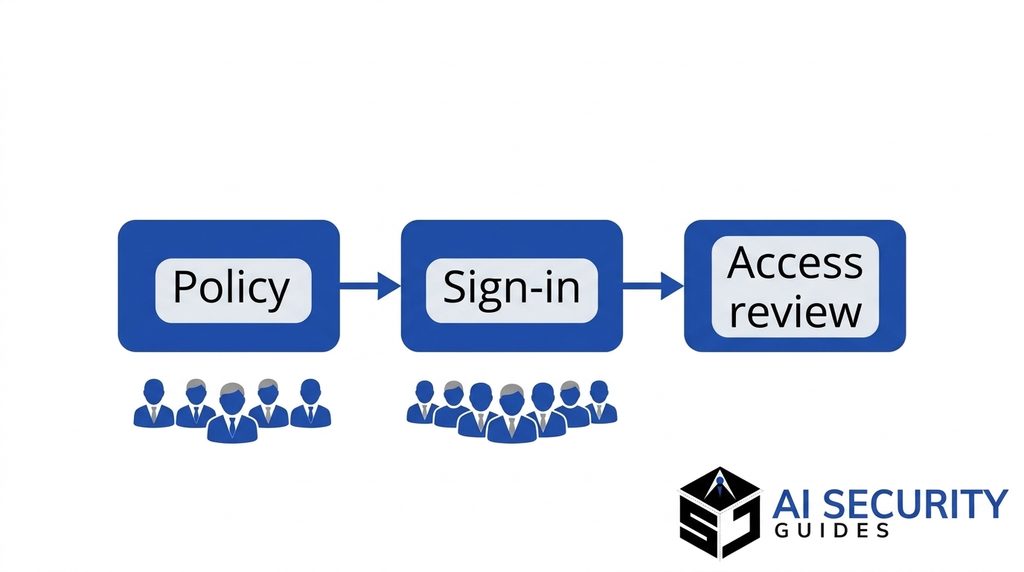
Organizations need more than individual habits. Start with a written AI policy that explains which tasks are allowed and which data must stay out of chats. Staff should know that company files, customer records, and financial data do not belong in personal accounts. These ChatGPT security best practices also apply to small teams that share a single workspace.
Next, require single sign-on and two-factor authentication for every work account. Review who has admin access every few months, and remove former employees quickly. For more context, read AI Workplace Data Privacy: Use AI Without Leaks.
Watch Out for Prompt Injection
Prompt injection happens when hidden instructions inside a web page, document, or email try to make an AI tool act against your interests. Hypothetical example: a shared document contains invisible text that tells the assistant to send your files to an outside address. This risk grows when chatbots connect to email, cloud drives, or other apps.
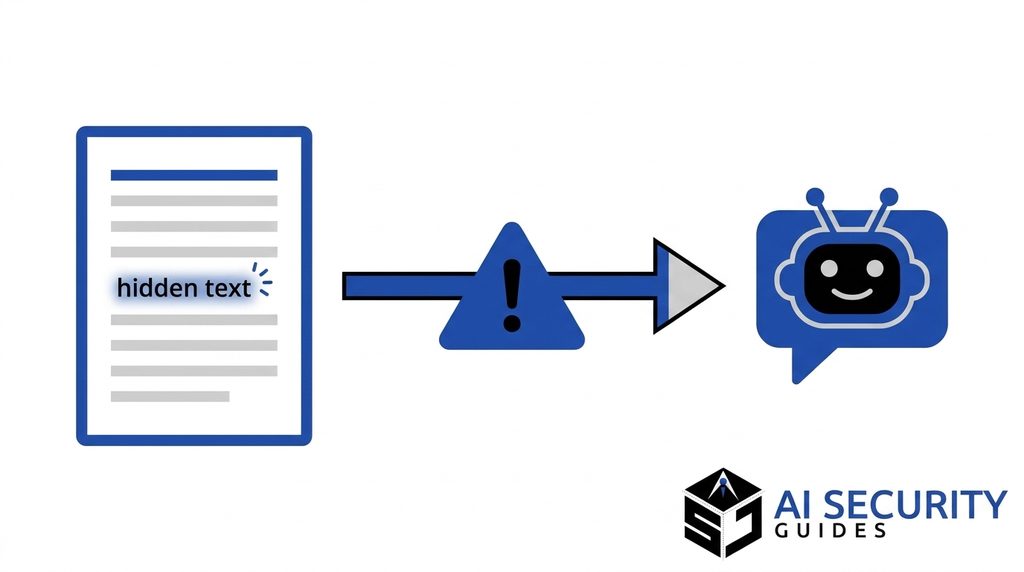
Limit which tools and connectors your assistant can use. Require your approval before it sends messages or shares files. Treat content from unknown sources as untrusted, even when it looks harmless.
What to Do If Your Account Is Compromised
Act quickly if you suspect a breach. First, change your password from a device you trust, then sign out of all sessions. Next, turn on 2FA if it is not already active. Finally, review recent activity and check your email for password reset alerts.
If you reused that password anywhere else, change it there too. Our guide on recovering a hacked email account explains how to secure the email account that controls your other logins.
Frequently Asked Questions About ChatGPT Security
Here are answers to common questions about ChatGPT security best practices.
Is ChatGPT Safe for Personal Information?
Avoid sharing passwords, ID numbers, bank details, and medical records. The safest approach is to share only what the task truly requires.
Does ChatGPT Use My Data to Train Models?
Settings and policies can change and depend on your plan. Review OpenAI’s current data controls and privacy policy before you share sensitive material.
How Often Should I Change My ChatGPT Password?
Change it immediately after any breach or suspected leak. Otherwise, focus on a strong, unique password and 2FA, since those matter more than routine changes alone.
What Is the Best ChatGPT Security Setting?
Turning on two-factor authentication gives the biggest protection for the least effort. Pair it with a unique password and a regular review of active sessions.
Final Thoughts
Strong ChatGPT security best practices come down to a few consistent habits: unique passwords, two-factor authentication, careful sharing, and quick action after any warning sign. For a broader checklist of everyday AI risks, read the AI Safety Checklist. If you share sensitive details in chats, review 10 Things You Should Never Share With an AI Chatbot before you continue.